AC Settings & Troubleshooting
How to Use AC Heat Mode: Settings, Sun Symbol and Heating Problems
You select the sun symbol on your AC remote, but warm air does not arrive immediately. The indoor fan may even stop. Before you assume something has failed, check that your model supports heating and give it time to start.
Heat mode behaves differently from cooling. This guide explains how to use it, choose a practical setting and recognise the difference between a normal pause and a heating problem.
How Do You Use AC Heat Mode?
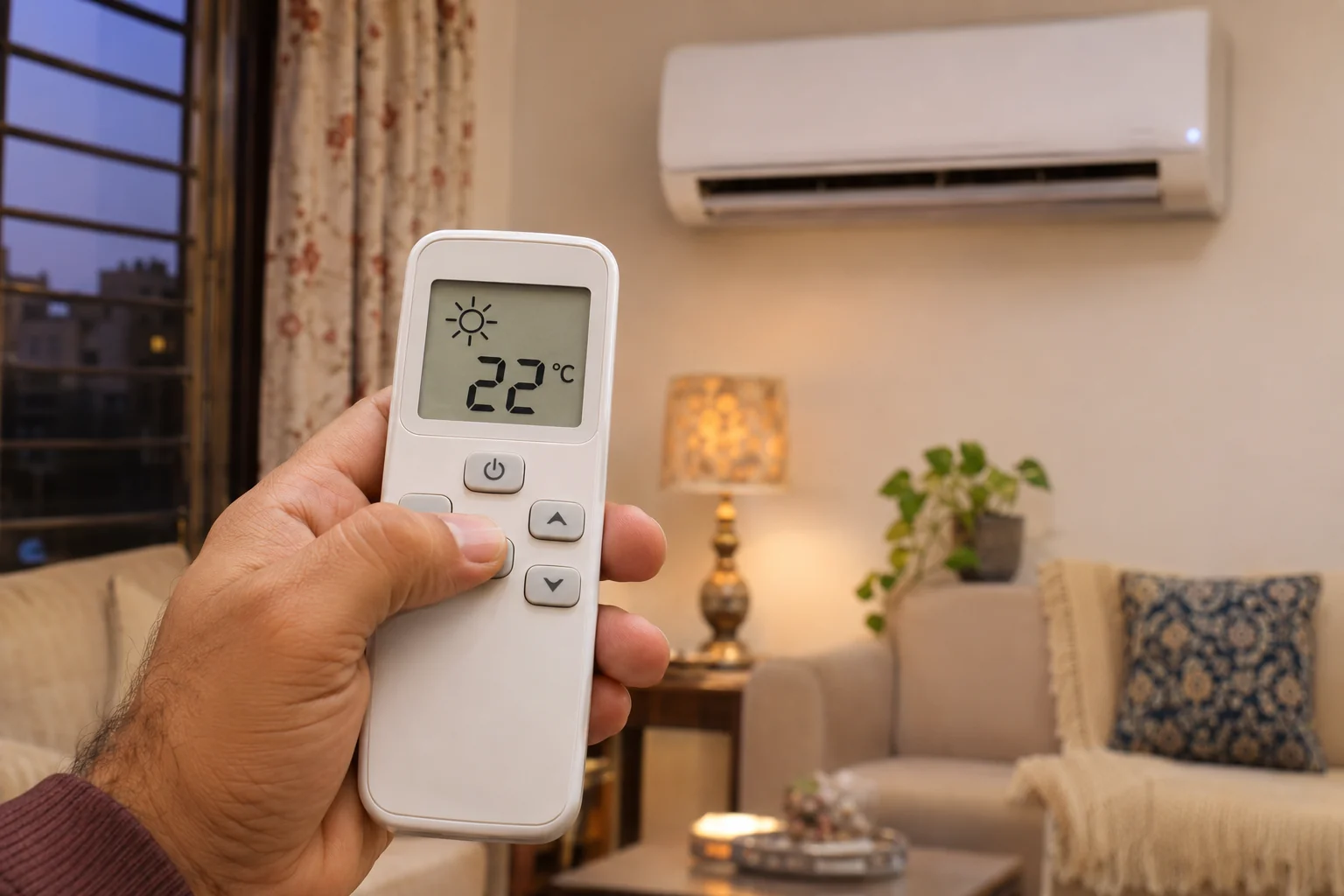
On a compatible heat-and-cool AC, press Mode until Heat or the sun symbol appears. Set a temperature above the current room temperature, choose Auto fan where available and allow the unit to warm up. A cooling-only AC cannot provide heating through a remote setting.
First, Check Whether Your AC Supports Heating
Check the exact model number in the product manual or manufacturer’s specifications. Look for a heating capacity, a Heat operating mode or a heat-and-cool description.
The word inverter describes compressor control. It does not, by itself, confirm heating capability. Both the equipment and its controls must support the function.
A sun icon printed on a shared or replacement remote is not enough proof. Manufacturers may use similar remotes across models with different features.
What Does the Sun Symbol Mean?
The sun commonly represents Heat mode. The snowflake generally represents Cool, while Fan circulates air without selecting active heating.
For the complete symbol overview, see our AC remote symbols and modes guide. This article focuses on using heating and understanding its operating behaviour.
How to Turn On Heat Mode on an AC
- Confirm heating support. Check the exact model rather than relying on the remote alone.
- Switch the AC on. Point the remote towards the indoor unit and check that it receives the command.
- Select Heat. Press Mode until the sun or Heat label appears. The available sequence varies.
- Raise the set temperature above room temperature. If the room is already warmer than your selected setting, the unit may not call for heating.
- Choose Auto fan if supported. Let the system manage airflow during startup.
- Allow the warm-up period. Avoid repeatedly switching between modes while waiting for warm air.
Example: If the room is 18°C, a 22°C setting creates a heating demand. If the room is already 24°C, selecting 22°C may leave the system waiting rather than producing warm air.
These are general steps for compatible split systems. Button names, operating limits and available controls depend on the model.
What Temperature and Fan Setting Should You Use?
As a practical comfort starting point, try around 20–22°C when the room is colder, then adjust gradually. This is not a universal optimum: personal comfort, room conditions and household needs differ.
Setting the maximum temperature is not necessary for normal heating. It can keep the system aiming for a warmer room than you need. Choose the temperature you actually want.
| Control | Practical starting point | What to remember |
|---|---|---|
| Operating mode | Heat / sun symbol | The equipment must support heating. |
| Temperature | Try 20–22°C, above room temperature | Adjust for comfort and household needs. |
| Fan speed | Auto, where supported | The unit may override airflow during warm-up. |
| Air direction | Use the manufacturer’s heating position | Adjust through the remote; do not force flaps. |
| Timer / Sleep | Use only after checking the programme | Behaviour and availability vary by model. |
Auto fan and Auto mode are different. Auto fan adjusts airflow while your chosen Heat mode remains active. Auto operating mode lets the equipment select its operation according to its control programme.
Why Does the Fan Stop When Heating Starts?
Some systems delay indoor airflow while the indoor heat exchanger warms up. This helps prevent an uncomfortable blast of cold air at startup.
Samsung describes a possible initial fan delay of around 3–5 minutes on applicable models. Your AC’s timing may differ, so follow its manual rather than treating that range as a fixed rule.
What Happens During Defrost?
In cold, damp conditions, frost can build up on the outdoor heat exchanger. A compatible heat pump may briefly pause normal heating to remove it. Indoor airflow can stop or change during this process.
LG identifies preheating and defrost as operating states that can interrupt airflow. A temporary pause is therefore not enough, on its own, to diagnose a fault.
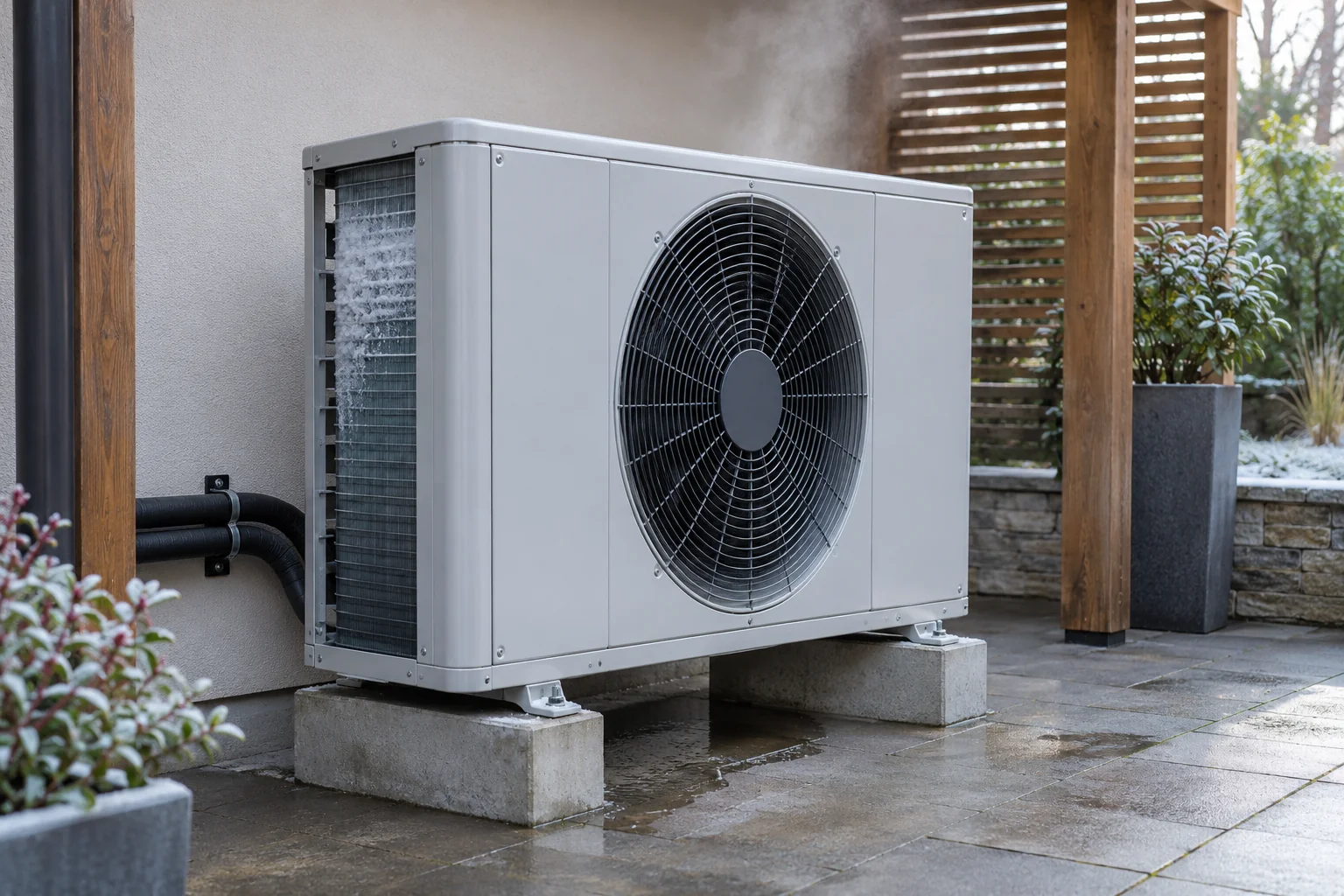
Observe whether heating resumes as described in the manual. Persistent ice, repeated unexplained interruptions or a room that never warms up deserve an inspection.
Do not scrape ice from the coil or pour boiling water over the equipment.
AC Heat Mode Not Working? Check These Causes
1. The Model Is Cooling-Only
Confirm the specifications first. Selecting a sun symbol on an incompatible remote cannot add a heating function to the AC.
2. The Set Temperature Is Too Low
Compare the setting with room temperature. A heating system may wait when the room already meets or exceeds the selected target.
3. The AC Is Still Warming Up or Defrosting
Check the operating indicator and manual. Give the system its normal startup or defrost time instead of repeatedly restarting it. Persistent failure to resume needs assessment.
4. Airflow Is Restricted
Inspect the accessible filter with the AC switched off and follow the manufacturer’s cleaning instructions. Wash only washable filters and let them dry before refitting. Keep curtains and furniture away from air paths.
5. The Room Loses Heat Quickly
Open doors, draughts and a poorly insulated room can make heating feel weak. Close unnecessary openings while maintaining appropriate ventilation. If the system has always struggled, ask for a capacity assessment.
6. Conditions Are Outside the Model’s Limits
Heating performance and permitted outdoor temperatures vary by model. Check the operating range in the manual, especially in colder regions. A unit’s performance in Karachi should not be assumed to match its performance in a much colder climate.
7. A Component or Refrigerant Fault Needs Diagnosis
If the basic checks do not help, a technician may need to investigate controls, sensors, refrigerant operation or other components. Symptoms alone do not establish which part needs repair.
If cooling works but heating does not, report that distinction. Do not assume the system needs a gas refill or a replacement board. For repair discussions, our inverter AC PCB repair and error-code guide explains the importance of identifying the fault before deciding on board work.
Stop operation and arrange inspection if you notice a burning smell, repeated breaker trips or unusual severe noise. Do not keep resetting a breaker or open electrical covers yourself.
Does AC Heat Mode Use a Lot of Electricity?
Electricity use depends on the model, outdoor temperature, room heat loss, selected temperature and operating time. A heating label or a single ampere reading cannot predict the monthly bill.
Use measured energy over a representative period where possible. The calculation is: average electrical input in kW × hours of operation = electricity units in kWh.
For example, an assumed average input of 0.8 kW over five hours equals four units. This demonstrates the calculation; it is not an expected consumption figure for your AC.
Our inverter AC electricity-bill guide explains the units-to-cost calculation. Use heating-specific input or measured energy; do not copy cooling-consumption estimates directly into a heating forecast.
Choose a comfortable setting, maintain clear airflow and avoid heating unused spaces unnecessarily. Do not connect a high-load AC to an ordinary plug-in meter unless the meter and connection are suitable for that equipment.
What to Share Before Booking a Heating Inspection
Send your Karachi location, the AC model number, a photo of the remote display and any error code. Explain whether cooling still works and how long the heating problem has continued.
Mention recent installation, relocation or repairs, along with the outdoor unit’s access conditions. These details help make the initial service discussion more useful.
Explore Pronto PK’s AC repair and installation services in Karachi or share your requirement to discuss assessment and availability.
Frequently Asked Questions
What is the heat mode symbol on an AC remote?
It is commonly a sun icon or the word Heat. Confirm the symbol in your manual and check that the AC itself supports heating.
Can every inverter AC heat a room?
No. Inverter describes compressor control. Heating requires a compatible heat-and-cool model. Check the specifications for your exact model number.
Why is the indoor fan not running in Heat mode?
The AC may be preheating, defrosting or waiting because the room has reached the selected temperature. If normal heating does not resume, check the manual and arrange assessment.
Should I set Heat mode to 30°C?
You do not need the maximum setting for normal use. Start with a comfortable target, such as 20–22°C when the room is colder, and adjust for your household’s needs.
Why does my AC cool but not heat?
First confirm heating support, mode and temperature settings. If those are correct, a technician should investigate the heating operation. The symptom does not identify a specific failed part by itself.
How long should I wait for warm air?
Some models delay the fan for several minutes at startup. Samsung describes approximately 3–5 minutes for applicable models, but your manual takes priority. Persistent cold airflow or failure to heat needs investigation.
Can I use Heat mode overnight?
Use the AC according to its operating instructions, with a comfortable temperature and clear airflow. Check how its Sleep and Timer functions behave before relying on them overnight.
References
Heat Mode On, but the Room Still Feels Cold?
Share your AC model, remote settings and symptoms with Pronto PK. We will discuss the assessment needs and service availability in your Karachi area.